Aug 7, 2026
Product Knowledge
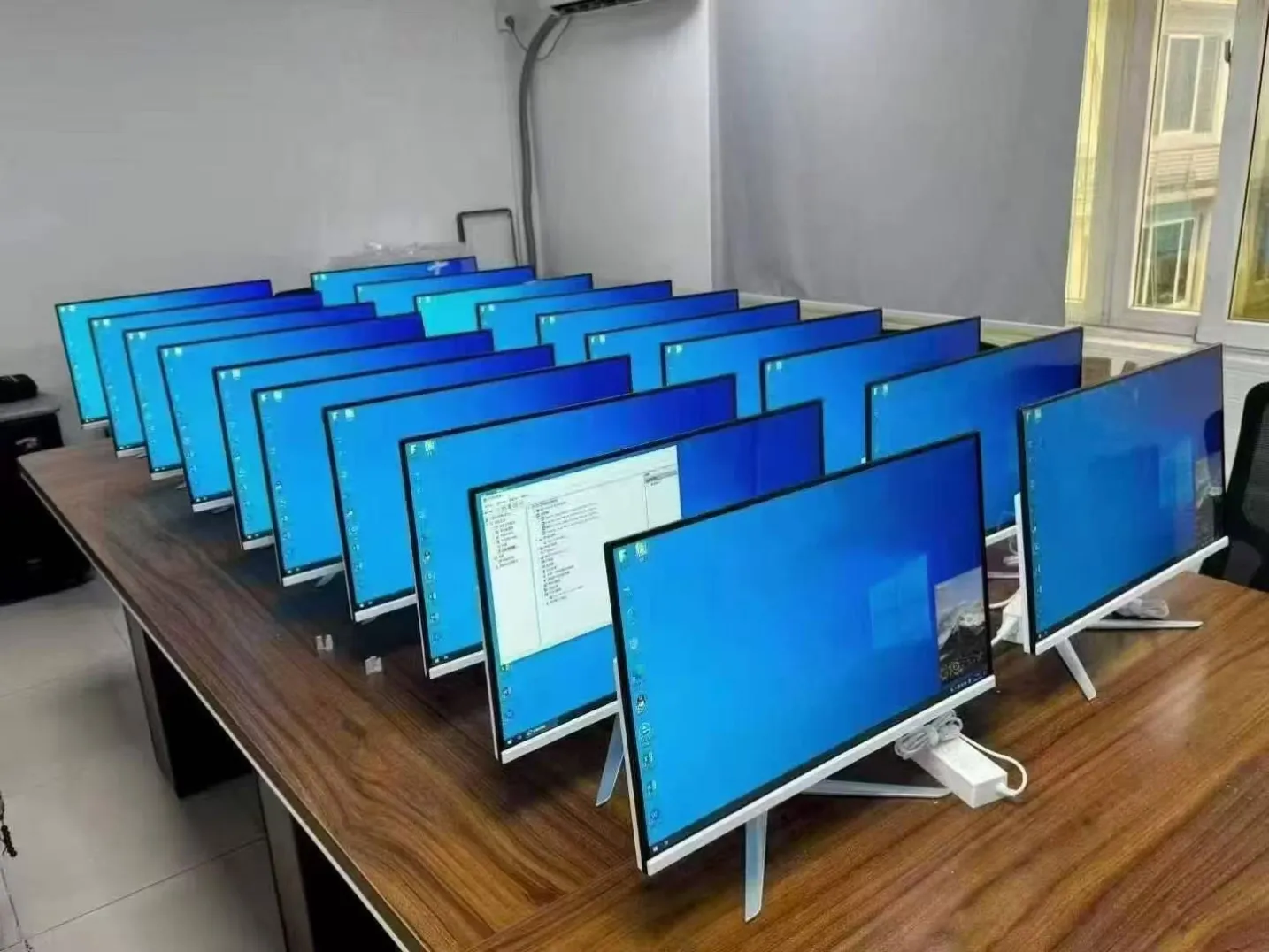
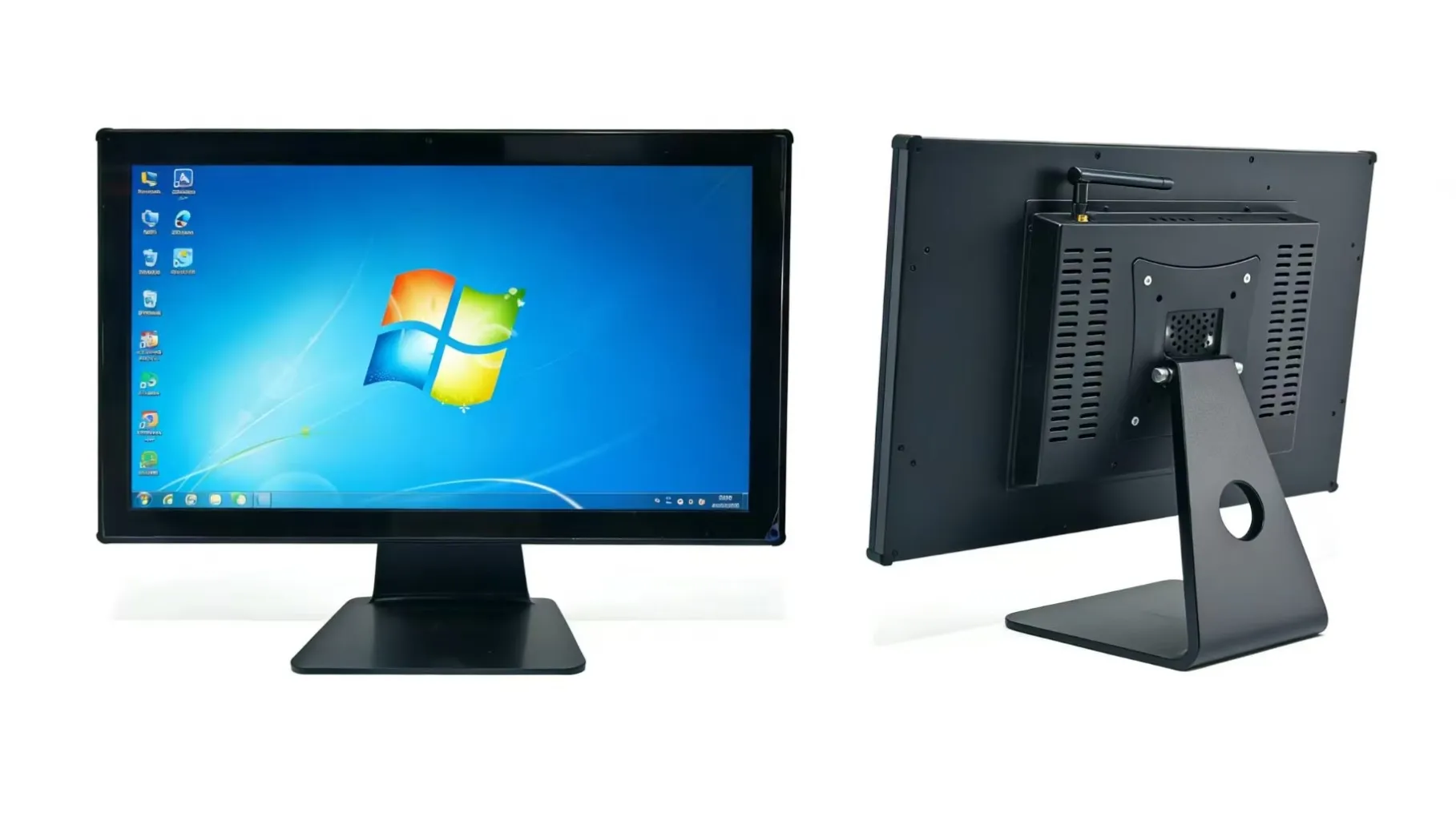
Specialising in the wholesale of various display products: monitors (office monitors/touchscreen monitors), all‑in‑one PCs (available in a range of configurations)
How to Choose a Monitor
First, clarify your intended use: office work / home use, gaming, design and photo editing, or industrial control touchscreens. Then, examine the key specifications and filter your options according to your priorities.
1. Panel Type
IPS: The top choice for office work, design and home use. Accurate colours and wide viewing angles; the image does not appear greyish when viewed from the side.
VA: High contrast and excellent black levels, making it suitable for watching films; slow response time, which can cause motion blur during gaming.
TN: Fast response time, but poor colour reproduction and narrow viewing angles; rarely used for home purposes nowadays.
2. Size & Resolution
21.5–24 inches: 1080p is sufficient for office work
27 inches: 2K is the ideal choice; 1080p appears noticeably pixelated
32 inches: 4K recommended; 2K appears slightly grainy
For office use at a viewing distance of 50–70 cm, 24–27-inch screens are the most comfortable.
3. Refresh Rate
Office work and watching programmes: 60Hz is sufficient
Gaming: 144Hz or higher for smooth gameplay
4. Colour (Essential for designers)
sRGB ≥99 per cent: sufficient for everyday use and design
Professional photo editing: 100 per cent sRGB, ideally with ΔE < 2 (colour accuracy)
Do not rely solely on ‘72 per cent NTSC’ – this can lead to colour inaccuracies.
5. Eye Care
Low blue light and DC dimming (flicker-free) are crucial for prolonged office work; avoid PWM low-frequency dimming.
6. Ports
Standard: HDMI
High-definition, high-refresh-rate: Prioritise DisplayPort (DP)
Touchscreens / Industrial all-in-one PCs: Check for a USB touch port; commercial models often require VGA, HDMI and audio ports
7. Housing and Mounting
Narrow bezels look stylish; VESA wall-mount compatibility facilitates wall or stand mounting, making it highly practical for office and commercial surveillance applications.
8. Quick purchasing guide for different uses
✅ All-in-one PCs / Office Monitors
24–27-inch IPS, 1080p/2K, 60–75Hz, DC low blue light, with HDMI, supports wall mounting.
✅ Gaming Monitors
27-inch 2K IPS, 144Hz or higher, DisplayPort.
✅ Design and Photo Editing
27-inch 2K/4K IPS, 99–100% sRGB, colour accuracy ΔE ≤ 2.
✅ Commercial Touchscreens / Industrial Control Displays
Prioritise the number of touch points, VESA wall-mounting compatibility and multi-interface support; in industrial environments, prioritise stability.
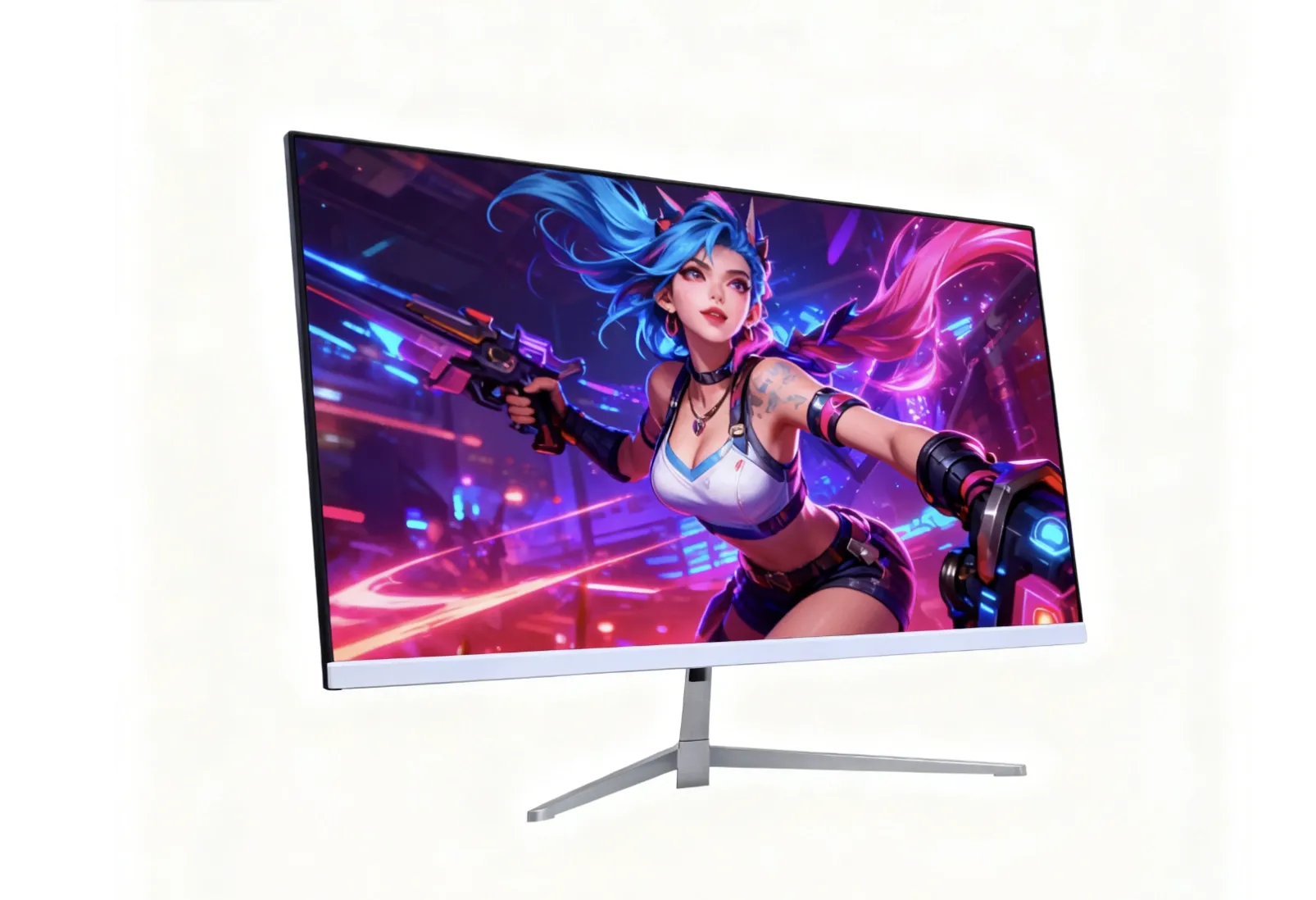
1. Gaming Monitors
- High refresh rate, smooth motion for fast-paced gameplay
High refresh rate, smooth motion without motion blur
- Fast response time, reduces ghosting and blurring
Fast response time, reduces ghosting and blurring
- High-quality IPS panel, vivid colour performance
High-quality IPS panel, vivid colour performance
- Wide range of video interfaces, supporting high-resolution and high-signal inputs
- Adjustable stand for comfortable viewing angles
- Sleek gaming-style design
2. Office Monitors
- Narrow-bezel design, maximises screen viewing area
- Low blue light & flicker-free DC dimming, eye protection for long hours of work
- Stable colour output, suitable for daily document processing
- VESA wall-mount compatible, saves desktop space
- Multiple connectivity ports, easy to connect laptops and desktops
- VESA wall-mount compatible, saving desktop space
VESA wall-mount compatible, saving desktop space
- Multiple connectivity ports, making it easy to connect laptops and desktops
Multiple connectivity ports, making it easy to connect laptops and desktops
- Energy-saving, low heat generation, quiet operation
Energy-saving, low heat generation, quiet operation
3. All-in-One PCs
- Compact integrated design, saving workspace
Compact integrated design, saving workspace
- Flexible hardware configurations, suitable for various office workloads
Flexible hardware configurations, suitable for various office workloads
- Smooth multitasking, fast boot-up and response times
Smooth multitasking, fast boot-up and response times
- Effective heat dissipation and low-noise performance
Effective heat dissipation and low-noise performance
- Supports VESA wall-mount installation
Supports VESA wall-mount installation
- Good software compatibility with mainstream office applications
Good software compatibility with mainstream office applications
- Stable performance, suitable for bulk corporate procurement
Stable performance, suitable for bulk corporate procurement